It explains
while drawing
Name a topic. PapinAI talks it through while building the diagram in front of you — and stops the moment you ask something halfway.
Or open a blank board and ask as you go.
- ~6 sec from interruption to answer
- $0.03 per full explanation
- No push-to-talk — just speak
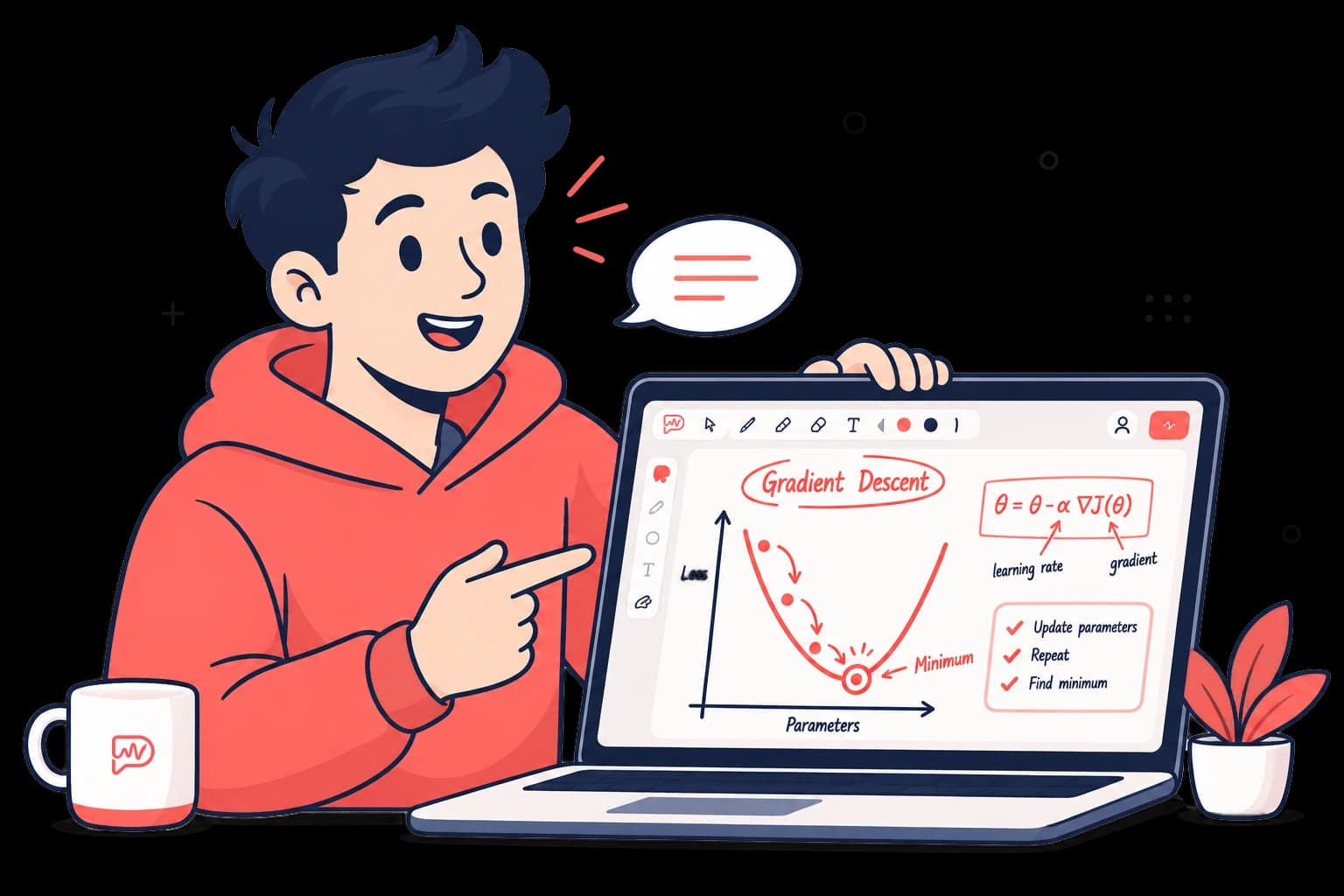
Gradient Descent
Goal: minimise the cost function J(θ)
 PapinAI is speaking (medium)slowmediumfast
How it works
Four steps, and it is the fourth that sets it apart from every other AI tutor.
- 1
1. You name a topic
Type it here, or say it out loud once the call has started.
- 2
2. Papin makes a plan
It decides which objects are needed and how they connect, before drawing anything.
- 3
3. Drawing follows the voice
Objects appear exactly as the sentence is spoken, never racing ahead of the narration.
- 4
4. You cut in
It stops, answers on the object under discussion, then carries on where it left off.
1. You name a topic
Name any topic. Papin answers in English by default, and switches to your language if you use another one.
User: "Explain how gradient descent works"Interrupting does not start over
The board goes to the model as a list of id-bearing objects, not as a screenshot. That is why it can point back to “that box from earlier” and add a note right there — cheap, fast, and the finished drawing is left standing.
- Measured, not claimedThe interruption “wait, what is a vector database?” was answered by annotating the box already drawn, in 5.6 seconds, on claude-haiku-4.5.
- The cost stays visibleThe running spend for the session sits on screen the whole time, so an expensive habit never becomes an end-of-month surprise.
The board belongs to both of you
This is not a video you watch. The canvas is yours to draw on too.
A living board
It writes and draws as it goes, so the whole line of reasoning stays where you can see it.
Cut in any time
No button to hold down. The microphone keeps listening, and it stops the moment you speak.
Point, then ask
Select one object — or drag a box around several — and your question refers to them automatically.
Your handwriting is read too
Scribble your own formula with the pen, then ask. That sketch is sent along as an image — it reads it, then answers on the board.
Set the speaking tempo
Fast or slow is a matter of taste, so the control sits beside the call — not in a settings file.
What it cannot do yet
PapinAI is currently an agile whiteboard tutor designed to answer one question: can an AI be interrupted mid-drawing. Here is what is honestly missing.
- Nothing is savedReload the page and the boards, pages, and transcript are gone. There is no persistence at all yet.
- Long documents get truncatedPDFs can be uploaded and read, scans included. But only the beginning is sent — a thick book does not fit whole.
- No accountsPapinAI runs on your own machine with your own API key, and the cost is billed to that key.
- Two languages, not manyPapinAI answers in English by default and follows you into Indonesian, but no other language has been set up or tested.

Ready to learn by watching?
The part hardest to believe before you try it is cutting in mid-sentence.
Open the board →